


I have an SD card (more commonly called just a “memory card”) for my camera and the other day I couldn’t download the videos to my computer using the SD card reader in the tower. The card reader is just a slot-shaped port in the tower, above the USB ports. SD stands for Secure Digital. It’s really secure when you can’t download any videos or pictures.
This had never happened before. Naturally I turned to the internet for guidance, which was my first mistake. I never saw so many web sites with confusing advice, some of which involve zip lines.
Most of the web sites assumed I could see the icon for the SD card on my computer screen, but I couldn’t. Several web site help sites (hah!) breezily suggested I rename the disc or update the driver, or contact the extraterrestrials who manufactured the item as if I wanted them to know where I am so they can abduct me again.
This suggested the problem was probably the SD card reader in my computer—The XPS 8950, my nearly new computer which has already had major parts replaced and which is now out of warranty.
Only a couple of websites were on the right track about the SD card reader itself. One expert said that if I blew in the slot (That’s right! Not as dumb as it sounds; dust can be a problem) and wiped the card with a Q-Tip, and it still didn’t work, I should try it in a different computer. If it worked, then the problem was probably the card reader. It turns out you can blow on the SD card reader or the SD card until you’re blue in the face if the card is not detected in the Device Manager or any Device. If the card is dead, you get a new card, “and let it go.” Those are the exact words from that expert. Do I also have to sit in the lotus position?
Anyway, I did try the card in the SD card reader in my wife’s computer. It worked!
But if the SD card works in another device, the problem could be a dead SD card reader. What should you do?
Well, when a couple of fans went out in my tower when it was under warranty, a repair guy came over, took the tower apart and replaced the fans. My machine is out of warranty and I don’t want to go through the same hassle of negotiating with the manufacturer to work out a time compatible with the repair guy’s bowling league schedule to drive to our house from British Columbia.
On the other hand, could I replace the SD card reader in the tower itself? A long time ago, I replaced a fan in my computer, which reminds me; you should never install oscillating fans in a computer.
Here’s the thing—I found a web page that fits my situation exactly, right down to the make and model of the tower. It turns out that it’s probably not possible to replace the SD card reader in the tower without replacing the mother board, which you, as a home user, should not attempt unless you have been drinking heavily.
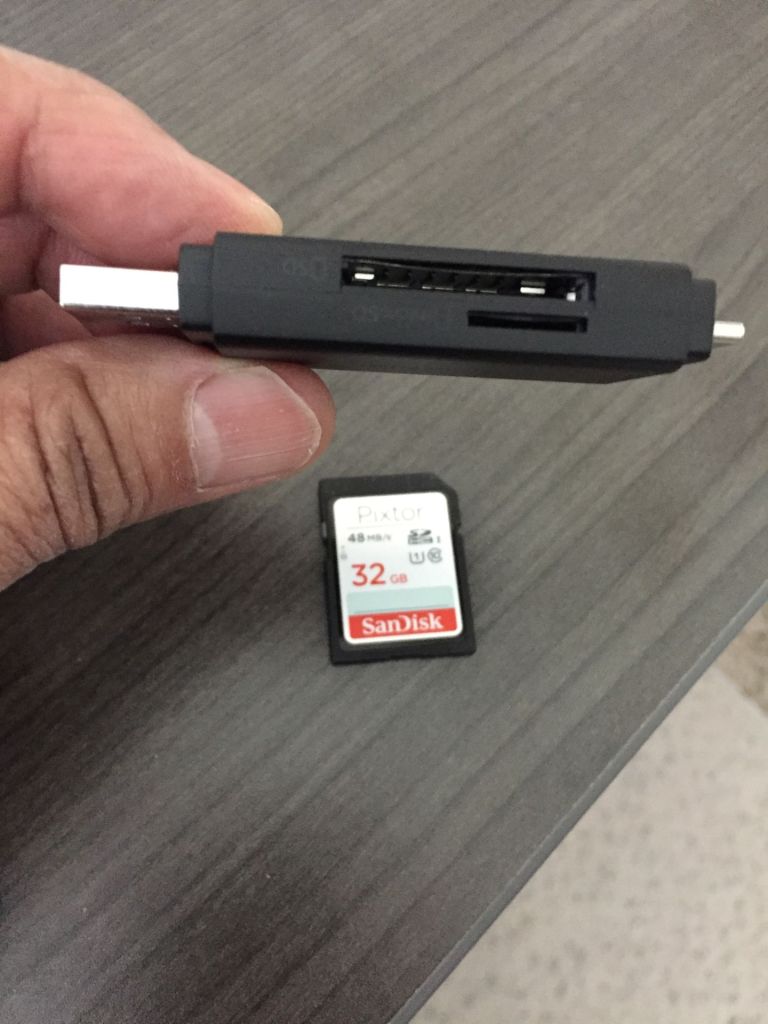
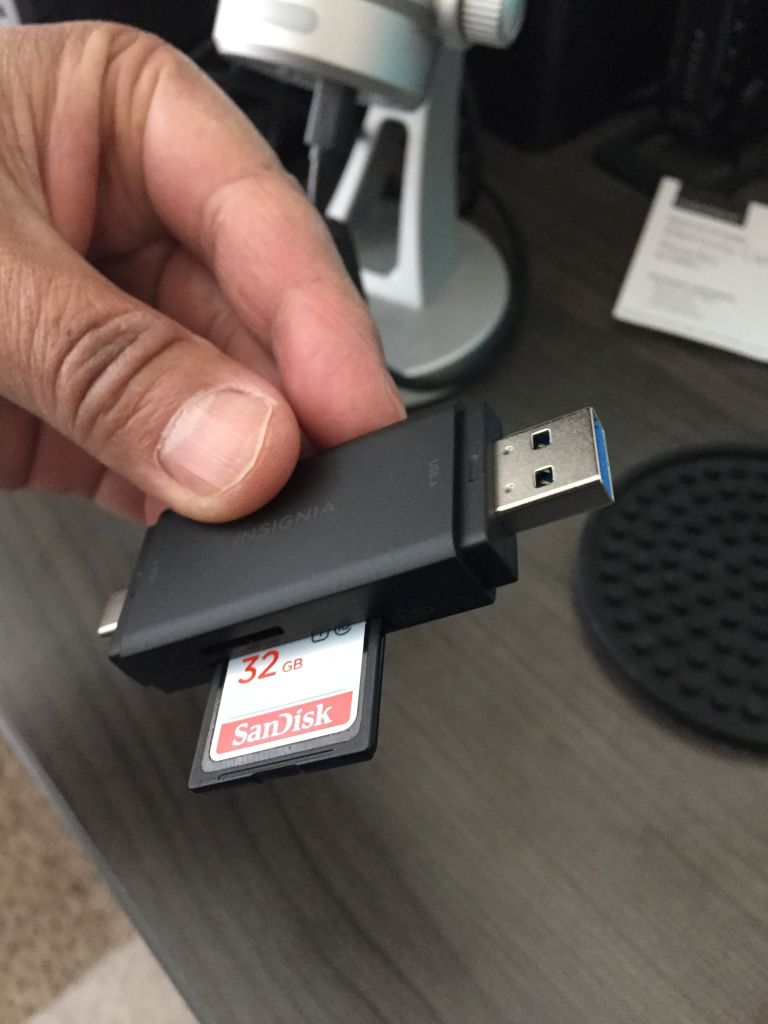
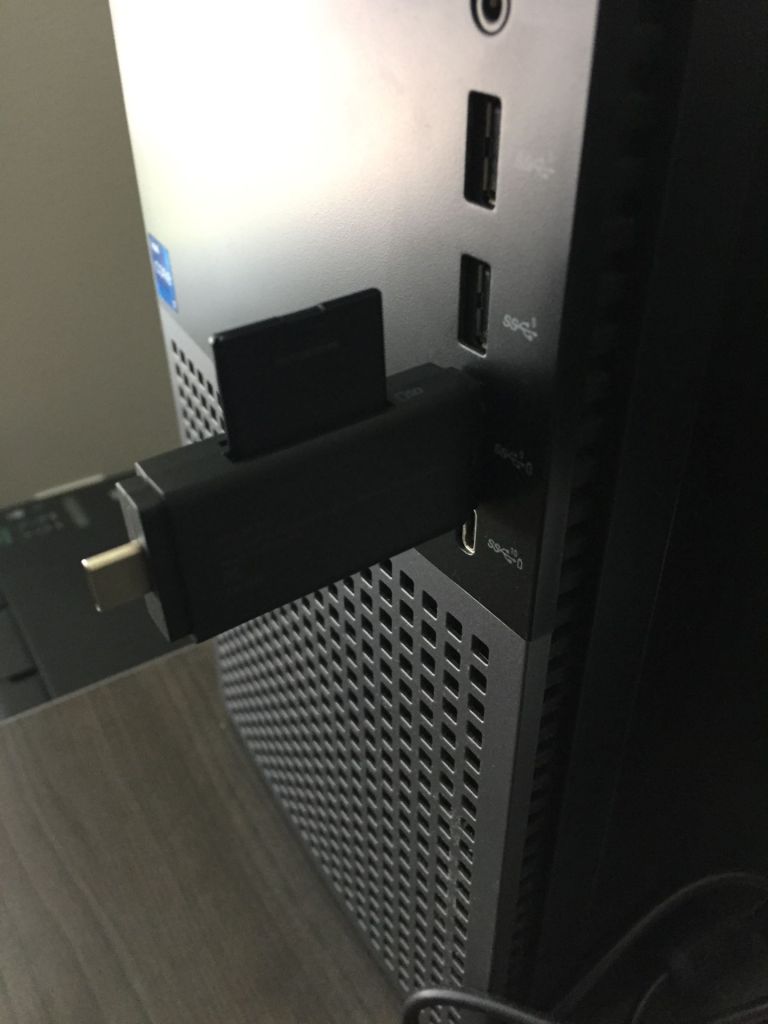
What I found out is that combination USB with SD card readers are available and all you have to do is stick the SD card in the reader slot on the unit and plug the USB into the port on the tower. The whole thing fits in the palm of your hand.
Now our toaster doesn’t work.
 Go Retire Psychiatrist