

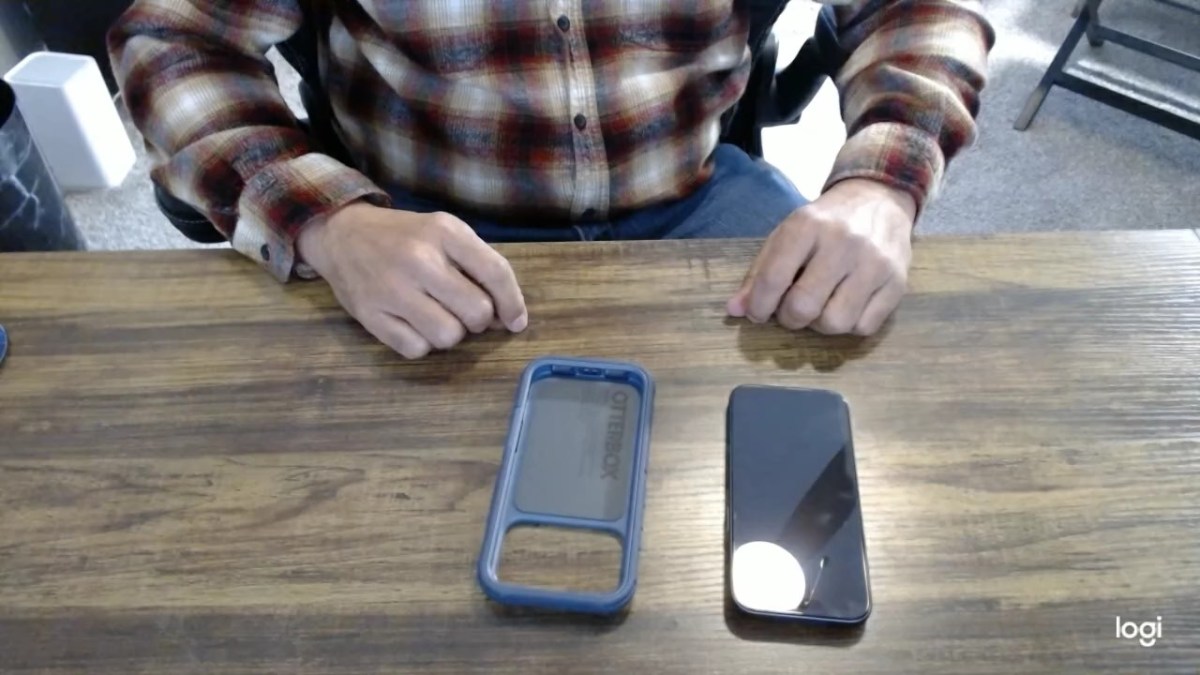
So, about a week ago, I posted a YouTube video about my first ever time installing an OtterBox protective screen on my new iPhone 17 Pro. I installed the case the same day. I also have a holster with belt clip. If I can do it, anyone can. My smartphone situation is pretty much back to normal now and I won’t have to use the fanny pack.
Tag: smartphone accessories
Installing the iPhone 17 Pro OtterBox Glass Screen Protector
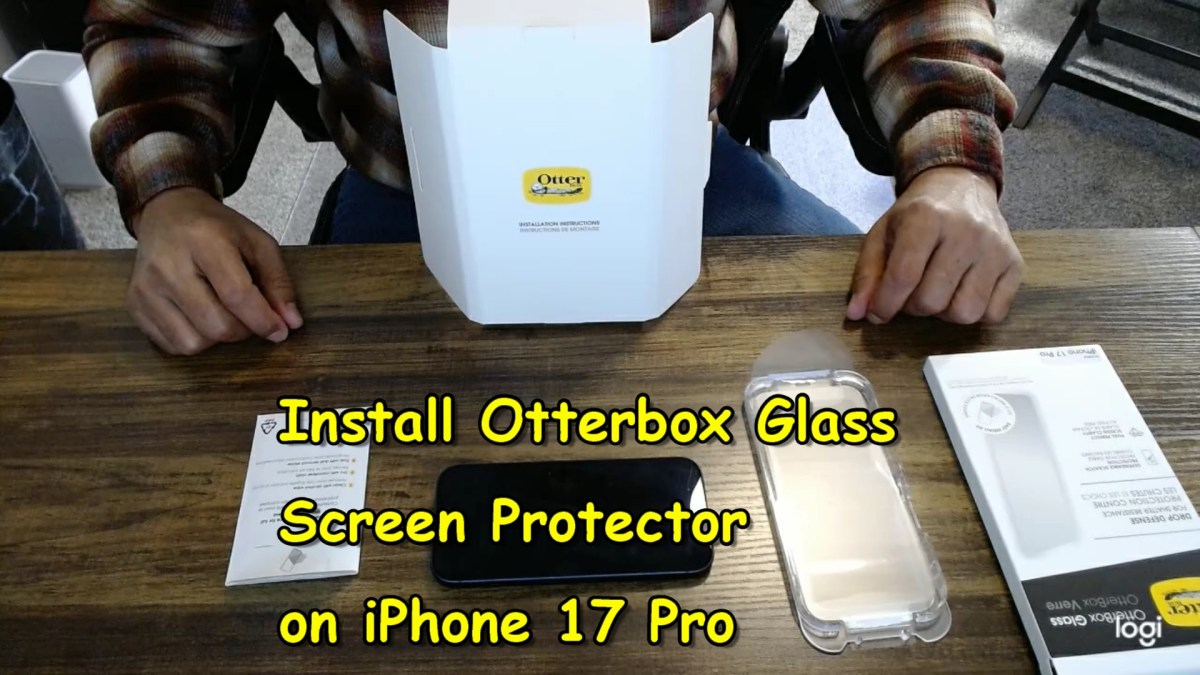
I did something for the first time today, which was to install the iPhone 17 Pro OtterBox Glass screen protector (that’s a mouthful). I remember putting the screen protector on my old iPhone many years ago and it wasn’t anything fancy. There was no device to help you line things up and apply the screen protector. You put it on by hand and prayed that you could eventually scrape out all the bubbles—if you were lucky enough to get it on straight.
The main reason I made a YouTube video about how to install the screen protector was because I couldn’t find a YouTube video about this particular brand. It turns out all the applicator devices are different and installing them is slightly different for each brand.
Sena ordered the case, screen protector, and holster from OtterBox, which is where I got the original case and holster for my old iPhone. I had to replace the case after the battery swelled up and cracked it five years ago. This reminds me of an old Men in Black 3 quote in which a young Agent K holds a very large mobile phone up to his ear (this film is about time travel and the action is in 1969). Agent J says to him “That’s a bigass phone; don’t hold that up to your head!).
Anyway, I decided to make a video of me installing the OtterBox Glass screen protector. I plan to make a YouTube video of installing the case as well—but that’ll be another day.
 Go Retire Psychiatrist